 HitDM
HitDMSetup guide
Comment to DM automation for Instagram (setup guide)
Comment to DM automation watches a post or Reel for a keyword, then sends one private Instagram DM to that commenter, often with a public “check your DMs” reply. It uses Meta’s official Private Replies capability, not password bots. This guide covers setup, Meta limits with citations, worked caption examples, HitDM UI screenshots, and copy-ready templates.
Comment to DM automation watches a post or Reel for a keyword, then sends one private Instagram DM to that commenter (often with a public “check your DMs” reply). It requires a Business or Creator account and an app on Meta’s official API.
What is comment to DM automation?
The job is simple: public interest (a comment) → private delivery (link, booking page, or freebie). It is different from only replying in the comments thread, and different from cold DM spam to people who never engaged.
Core pieces: a keyword trigger, a private reply (DM), and usually a tracked link so you know which post or keyword drove the click. Creators use it for lead magnets, waitlists, and product drops; coaches use it for booking links; D2C brands use it when a bio link would bury the offer under noise.
For the wider category map (story replies, many-to-many chatbots, and when a focused tool wins), see Instagram DM automation explained.
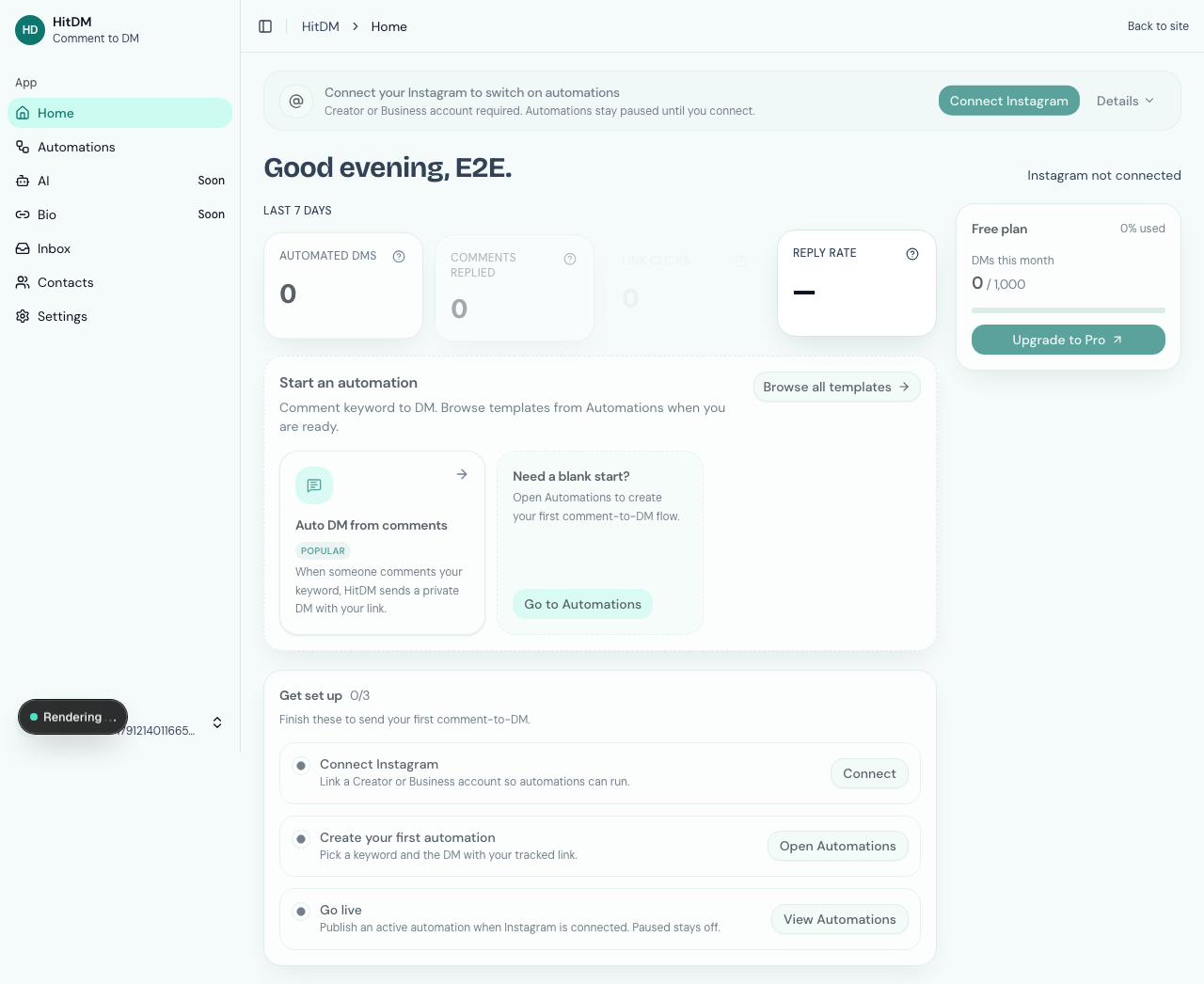
Meta rules you must know before you automate
Meta’s Private Replies documentation is the source of truth for comment → DM on Instagram. Pair it with Meta’s Instagram messaging overview and the Messenger Platform policy overview so you understand the conversation window after the first private reply. Hard facts for planning:
- One private reply per comment (do not design flows that assume a second automatic private reply to the same comment)
- Send within 7 days of the comment. Live broadcast private replies have a narrower window (during the Live only)
- Further messages need a user reply, then stay inside the 24-hour messaging window for standard conversational replies
- Professional Instagram accounts (Business or Creator) are required for the official API path — personal accounts cannot run compliant comment-to-DM tools
Ban fear is mostly about unofficial browser/password bots that scrape the app. Official API tools still must respect spam, quality, and messaging policies — a keyword CTA is an opt-in; blasting people who never commented is not. More on trust: Is Instagram DM automation allowed?.
What you need before setup
- Professional Instagram (Business or Creator)
- Account connection via HitDM’s Meta connect (follow the in-product connect steps — never paste your Instagram password into a third-party form)
- The offer ready: destination URL or message you will send in the first DM
- A keyword chosen for the caption and spoken CTA
- A second Instagram account (or a teammate) for end-to-end testing
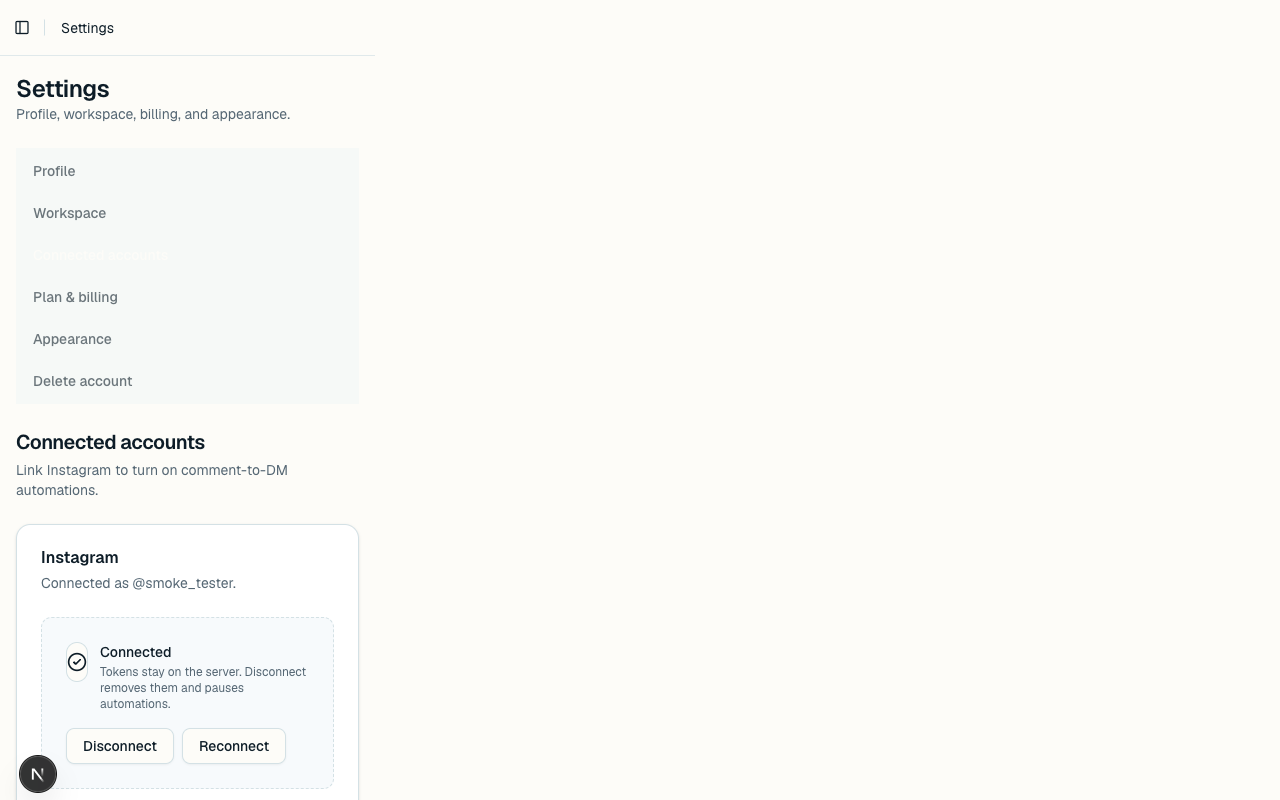
How to set up comment to DM automation (step by step)
- Connect Instagram via Meta: use the official OAuth connect. Do not give your Instagram password to a third-party bot.
- Choose the post or Reel for this campaign so keyword matches apply to the right comments.
- Set keyword(s): prefer specific campaign words (e.g.
DROP24,GUIDE,BOOK) over vagueINFO. - Write the public comment reply (optional but recommended), e.g. “Check your DMs — just sent the link.”
- Write the DM with a tracked link: put the promise and URL in the first private DM. You get one guaranteed private reply per comment.
- Activate and test from a second account before you promote the CTA in the caption or on camera.
Example with HitDM: after you start free, connect Instagram, create an automation for the post, set the keyword and DM, then test before you pin the CTA in your caption. UI labels can differ across tools; the six steps above are the job.
Worked example: coach booking a discovery call
Goal: send a calendar link only to people who ask for it. Keyword: BOOK. Caption (first lines): “Want a free 15‑minute discovery call? Comment BOOK and I’ll DM the calendar.” Spoken line on the Reel: “Comment BOOK for the link.” Public reply: “Sent — check your DMs.” DM: “Here’s the calendar: [tracked URL]. Prefer mornings or evenings? Reply and I’ll help.”
Why this works: the keyword is uncommon in random chatter, the caption states the exchange clearly, and the DM ends with a question so a reply re-opens Meta’s messaging window if you need to schedule.
Worked example: D2C waitlist drop
Goal: collect interest without stuffing the bio. Keyword: WAITLIST. Caption: “Drop opens Friday. Comment WAITLIST for the early link.” DM: “You’re on the early list: [tracked URL]. Share with a friend who needs this.” Track clicks per post in your tool; if one Reel underperforms, change creative before changing the keyword mid-campaign.
Keyword and caption formulas that convert
| Weak keywords | Stronger campaign words |
|---|---|
| INFO, SHOP, LINK (on noisy posts) | DROP24, GUIDE, BOOK, WAITLIST |
| YES, ME, INTERESTED | CHECKLIST, PRICE, SAMPLE |
| Any-comment / empty keyword | One keyword per campaign for clean tracking |
Say the keyword aloud in the Reel and pin it in the first caption lines. One campaign = one keyword for cleaner tracking. If comments are full of “love this,” a vague INFO trigger will fire on noise and burn your DM allowance.
Caption formula that travels well: promise + keyword + where the reply lands. Example: “Free 7‑day email course — comment GUIDE and I’ll DM the first lesson.” Avoid burying the keyword under five hashtags.
DM templates (copy-ready)
Link delivery
“Here’s the link you asked for: [tracked URL]. Any questions before you open it? Reply here.”
Booking
“Got it. Grab a time here: [calendar URL]. Prefer mornings or evenings? Reply and I’ll help.”
Lead-magnet opener
“Your free checklist is ready: [tracked URL]. Want it emailed too? Reply with your best email.” (Email ask is optional; on HitDM, structured lead capture is Pro. See capture leads after the first DM.)
Waitlist / drop
“You’re early — here’s the waitlist: [tracked URL]. I’ll ping this thread if you reply with your size / city.”
End the first DM with a question if you need a reply to continue inside Meta’s window. Remember: you get one private reply per comment, so the first DM should carry the link you care about.
Meta Private Replies cheat sheet (citeable)
Journalists and tool roundups often need a short, sourced limit table. These bullets come from Meta’s Private Replies docs (re-read before you publish — platform rules change):
| Rule | Practical meaning |
|---|---|
| One private reply per comment | Put the link and promise in the first DM — you do not get a second automatic private reply to the same comment |
| Send within 7 days of the comment | Late automation after a week is outside the Private Replies window for that comment |
| Live broadcast window is narrower | Live private replies apply during the Live only |
| 24-hour messaging window after a user reply | Further standard replies need the person to answer, then stay inside Meta’s conversation window |
| Professional account required | Business or Creator + approved app path — not a personal account password bot |
Policy context: Is Instagram DM automation allowed?. Tool pricing shape (contacts vs DMs): ManyChat alternative comparison.
Tracked links and measuring what worked
An inbox link beats a bio scavenger hunt. Measure sends, clicks (when tracked), and which keyword/post performed. HitDM includes tracked link delivery on the comment → DM path — use one tracked URL per campaign so you can tell which Reel earned the click.
Practical review loop after 48–72 hours: (1) Did the keyword fire only on intent comments? (2) Did clicks match the offer quality? (3) Did people reply after the first DM? Adjust caption clarity before you change tools. Start on the HitDM Instagram auto DM home when you want the flat Free + Pro path.
Test checklist before you go live
- Comment the keyword from a second account; confirm the private DM arrives
- Open the tracked link; confirm the destination and UTM (if you use one)
- Confirm the public reply (if enabled) is polite and not spammy
- Try a near-miss comment without the keyword — it should not fire
- Only then pin the caption CTA or say the keyword on camera
Common mistakes
- Any-comment triggers on noisy posts (wastes DMs and feels creepy)
- Dumping a dead-end link with no next CTA or question
- Using unofficial password bots instead of Meta’s official API path
- Expecting unlimited automated follow-ups without a user reply
- Changing the keyword mid-campaign without updating the caption and spoken CTA
- Pitching cold DMs to people who never commented — that is a different (and riskier) job
When comment to DM is the wrong tool
Skip it if you need multi-channel chatbots (WhatsApp, Messenger, email journeys in one suite), story-reply triggers as day-1, or complex branching beyond a first DM. ManyChat and similar suites still win for that breadth. HitDM is for Instagram comment keyword → DM with a tracked link and an optional lead ask. Honest comparison: ManyChat alternative for Instagram.
Where HitDM fits
HitDM today: comment → DM + tracked link; Free 1,000 DMs per month; Pro adds unlimited DMs and lead capture at a flat price. See Free and Pro DM pricing. Versus ManyChat’s contact billing, HitDM is a flatter Instagram-only path. InstantDM and LinkDM are peers in the same category — verify their live pricing and features on their sites; we do not invent rankings or user counts.
Browse the rest of the Instagram auto DM guides when you need definitions, lead capture, or policy context.
FAQ
Can I automate DMs from comments on Instagram?
Yes, via Meta’s official Private Replies capability through an approved app on a Business or Creator account. That is the compliant path for comment-to-DM automation.
How do I use comment to DM automation?
Connect a Professional Instagram account, choose a post or Reel, set a keyword, write the DM with your link, activate, and test from a second account before promoting the CTA.
Is there a free comment to DM automation tool?
HitDM Free includes 1,000 DMs per month for comment → DM with a tracked link. Peers vary, so check live caps. See HitDM Free and Pro pricing.
Will this get my account banned?
Risk is much lower on Meta’s official API than with password bots. Still follow spam rules, messaging limits, and keyword opt-in CTAs. Avoid cold blasts.
What’s the difference between comment to DM and story reply DM?
Both deliver a private DM after engagement. Story reply triggers are not in HitDM today; other tools may offer them. HitDM today is comment keyword → DM.
How many private replies can I send per comment?
Meta’s Private Replies docs allow one private reply per comment. Plan the first DM carefully: promise, tracked link, and a question if you need a conversation.
Do I need a Facebook Page linked?
Official Instagram messaging and Private Replies run through Meta’s Instagram platform with a Professional account connected to an approved app. Follow the in-product Meta connect steps for your tool.